

Video tutorials
16 short videos for game server owners and Linux admins — each with chapters, English captions and the full transcript, plus a written guide with every step.
Minecraft
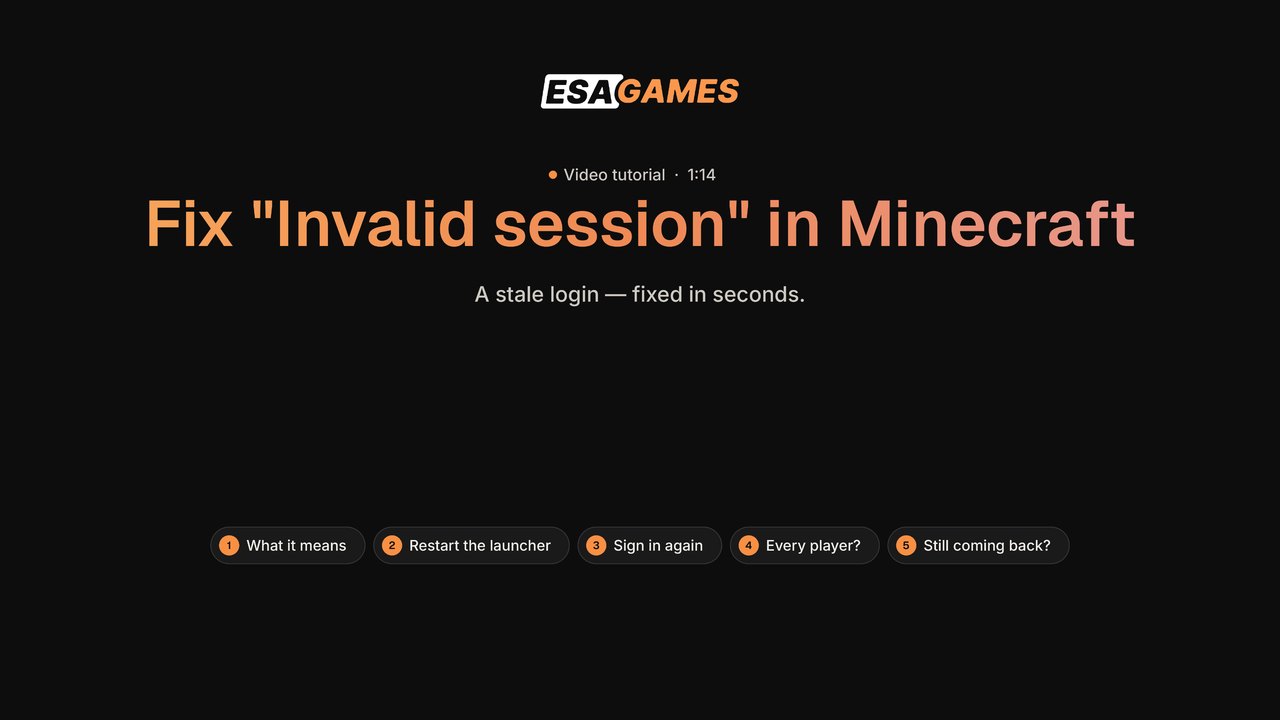 Minecraft
How to fix "Failed to login: Invalid session" in Minecraft
Why Minecraft says "Failed to login: Invalid session" and how to fix it: restart the launcher, sign in again for a fresh token, the server-side online-mode check, and what to do if it keeps coming back.
 Minecraft
How to give a Minecraft server more RAM
Allocate more RAM to a Minecraft server and fix "OutOfMemoryError: Java heap space": the -Xmx and -Xms flags, memory on a hosted panel, how much RAM each setup needs, and when RAM is not the fix.
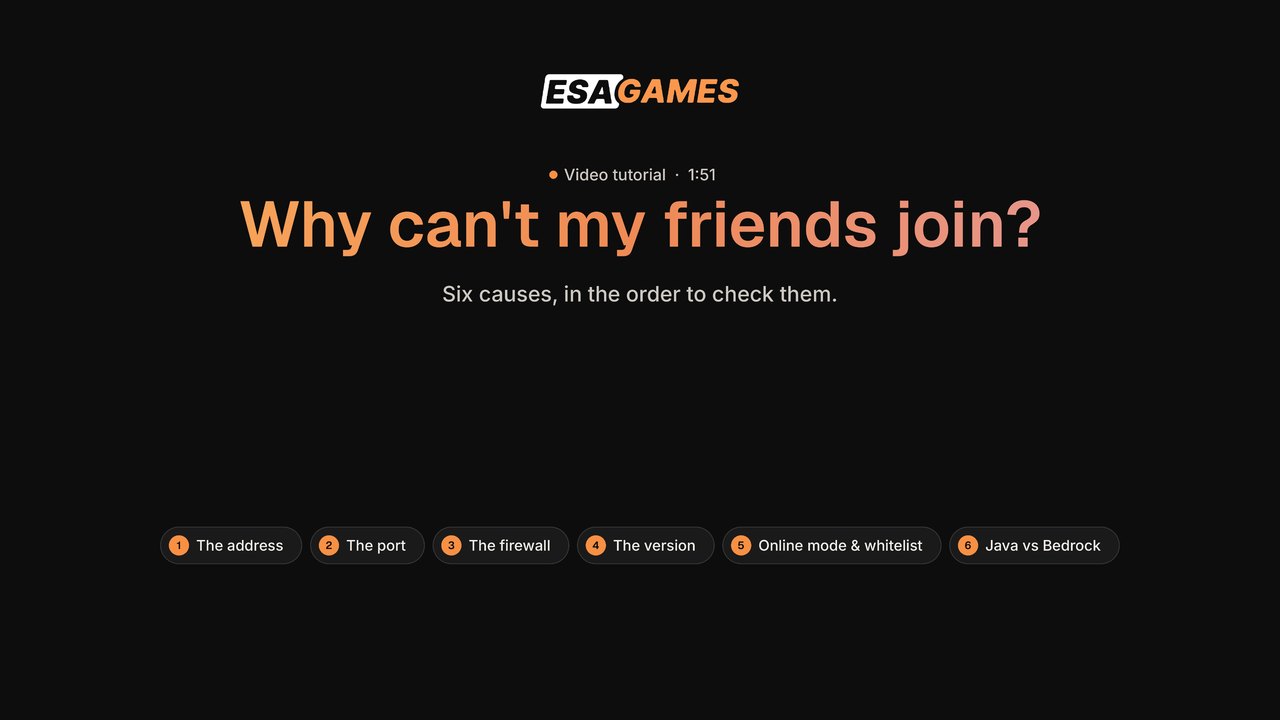 Minecraft
Why can't my friends join my Minecraft server?
The six reasons friends cannot join your Minecraft server, in the order to check them: the address, port forwarding, the firewall, the version, online mode and the whitelist, and Java vs Bedrock.


FiveM
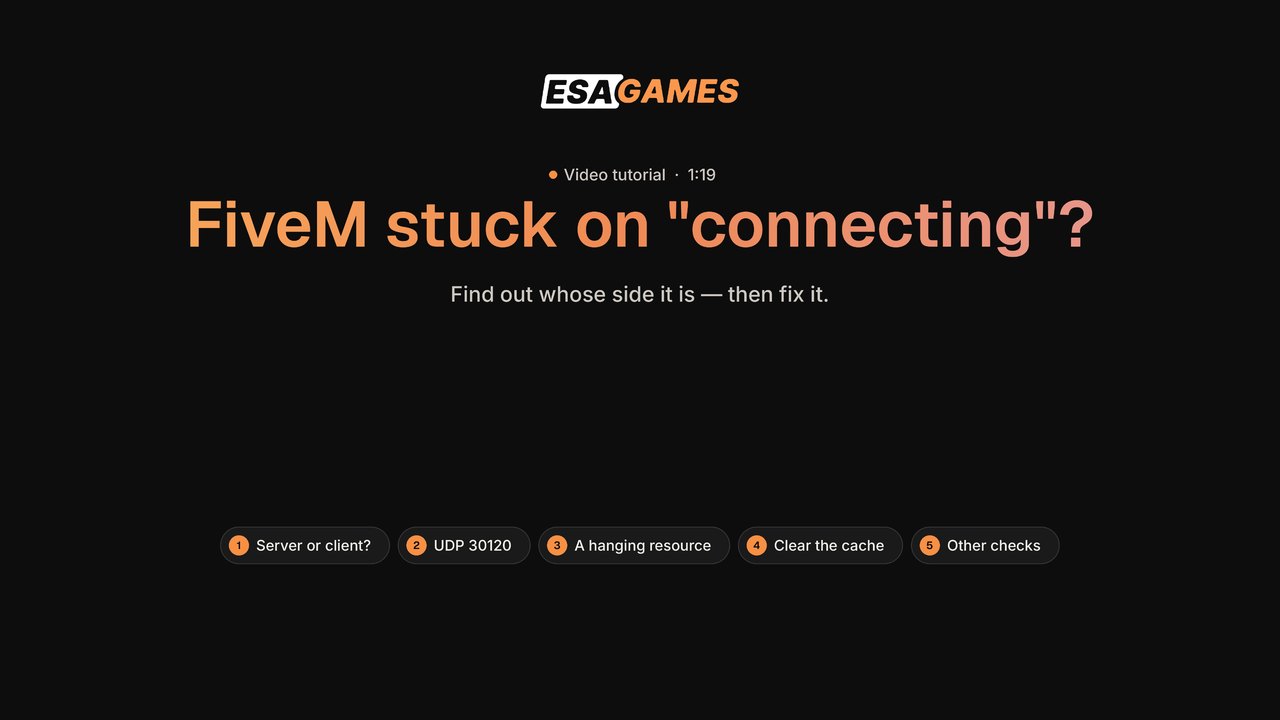 FiveM
FiveMFiveM stuck on connecting: how to fix it
Fix FiveM players stuck on "connecting" or a failed handshake: server or client side, UDP 30120, a resource hanging the join, clearing the FiveM cache and other checks.
 FiveM
FiveMHow to fix a FiveM server not showing in the list
Why a FiveM server does not show in the server list: the license key, port 30120 on TCP and UDP, sv_master1 and sv_hostname, the console after a restart, and joining directly with F8.
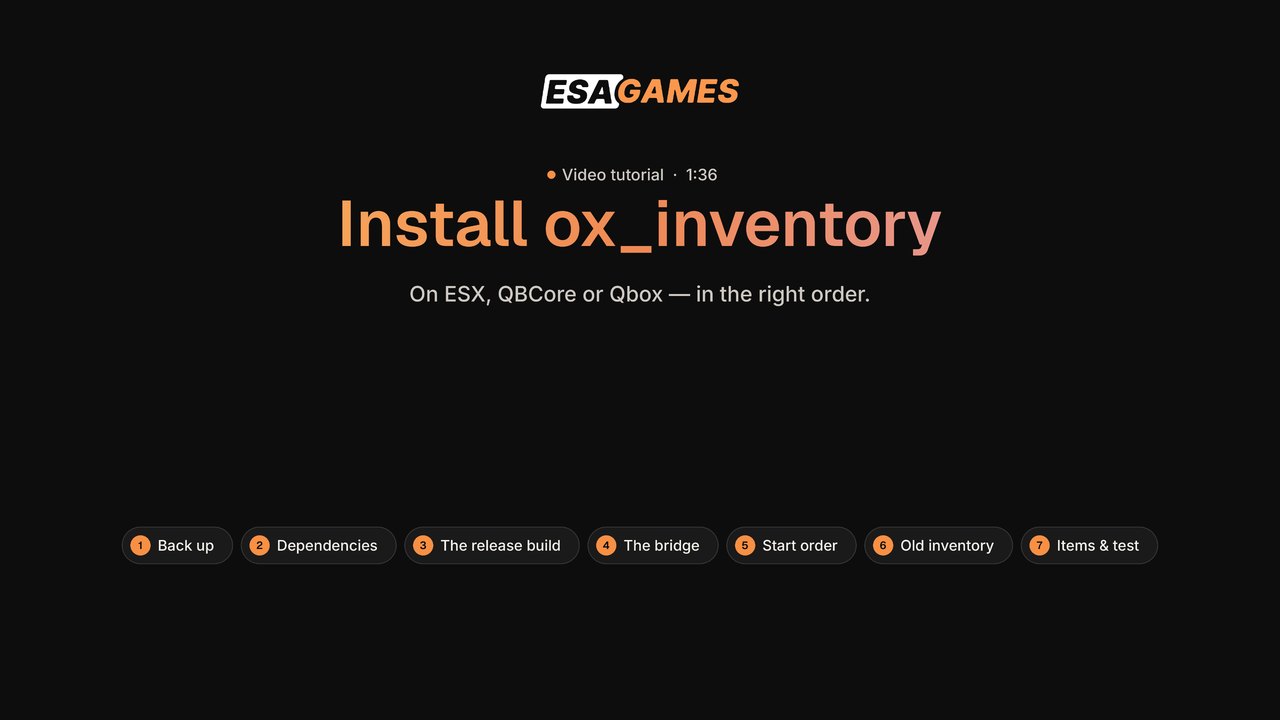 FiveM
FiveMHow to install ox_inventory
Install ox_inventory on ESX, QBCore or Qbox: back up, oxmysql and ox_lib, the release build (not the source zip), the bridge, the start order, disabling the old inventory, items and testing.


Game servers
 Game servers
How to lower your ping in CS2
How to lower your ping in CS2: play on nearby servers, use a cable, pause downloads, check the route with WinMTR, set the rate, and why FPS does not lower ping.
 Game servers
How to make a Terraria server
Make a Terraria server step by step: self-host or a managed host, the dedicated server or TShock, creating a world, port 7777 and a password, port forwarding and joining via IP.
 Game servers
Palworld server not showing in the community list
Why a Palworld dedicated server does not appear in the community list and how friends still join: open UDP 8211, connect directly with ip:8211, the server settings and other causes.
 Game servers
Your game server panel: a quick tour
A quick tour of your game server panel: the client area, Console, Files, Network, Startup and Settings.


Linux & VPS
 Linux & VPS
How to connect to your server with SSH
How to connect to a VPS or dedicated server with SSH from Windows: what you need, opening Terminal, the ssh command, the first-time fingerprint, the invisible password, and what to do if it fails.
 Linux & VPS
How to fix "user is not in the sudoers file"
Fix "user is not in the sudoers file" on Linux: add the user to the sudo or wheel group as root, log in again, what to do without root access, and why to edit sudoers only with visudo.
 Linux & VPS
How to upload files with SFTP (FileZilla)
Upload files to your server with SFTP and FileZilla: install FileZilla, find your SFTP details on a game server or a VPS, connect with Quickconnect, upload, and restart.


Networking
 Networking
How to port forward a game server
Step by step: find your local IP and router with ipconfig, log in to the router, add a port forwarding rule, the ports for Minecraft, CS2, Rust and FiveM, the Windows Firewall rule, testing from outside and spotting CGNAT.
 Networking
How to run a WinMTR test
Step-by-step: download WinMTR, run a test to your server, what every column means (Loss %, Sent, Recv, Best, Avrg, Worst, Last), how to read the result, how to send it in a ticket, and the reverse mtr test from a VPS.
 Networking
What is tick rate?
What a server tick is, 64 vs 128 tick, why a higher tick rate feels better, what it costs in CPU, what dropped ticks feel like, and how tick rate differs from FPS and ping.


Prefer it written down?
Every video has a step-by-step article, and the knowledge base covers hundreds more fixes.